Faraday Corridors
Flip. Rotate. Hold. RUSH.
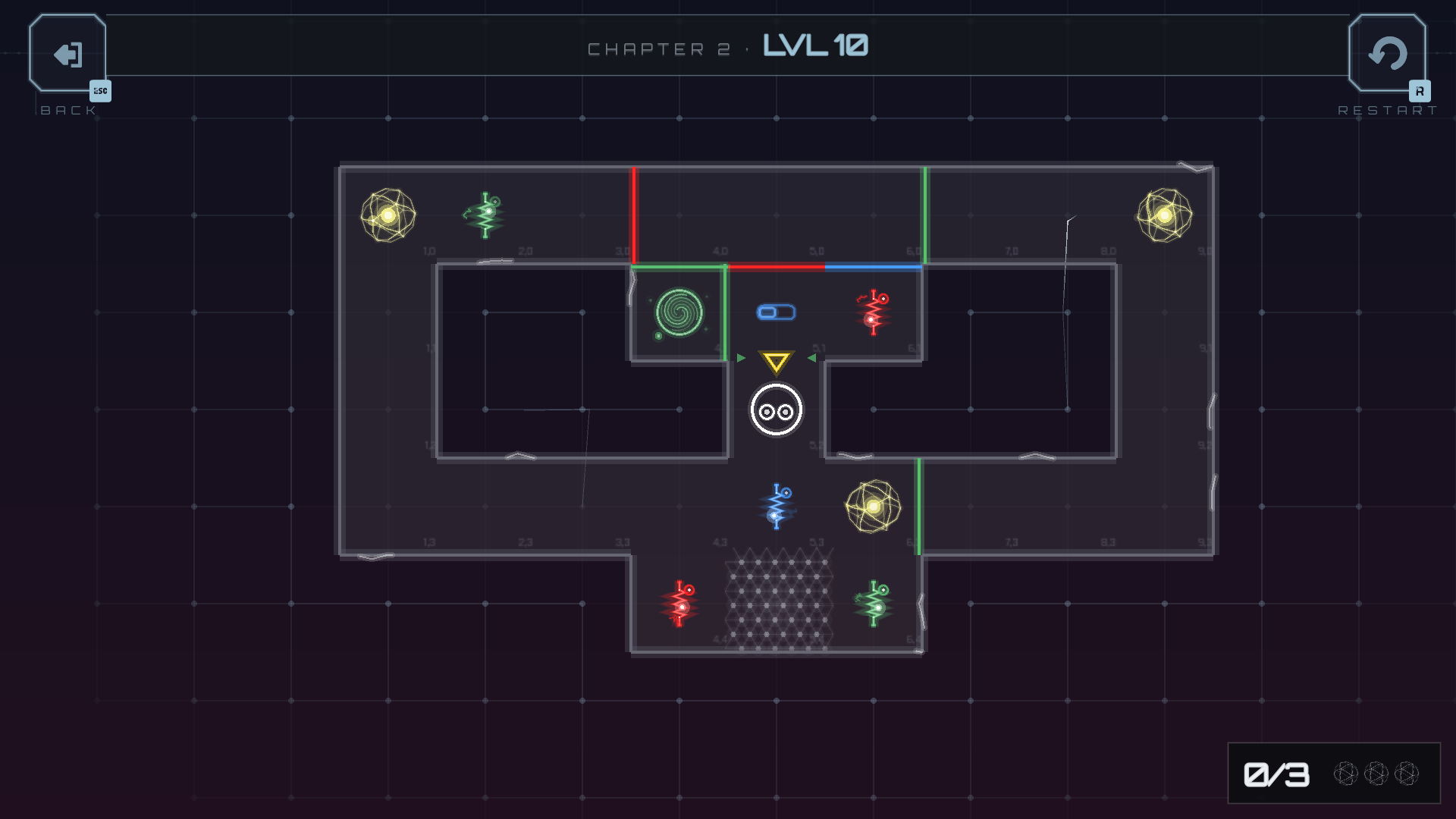
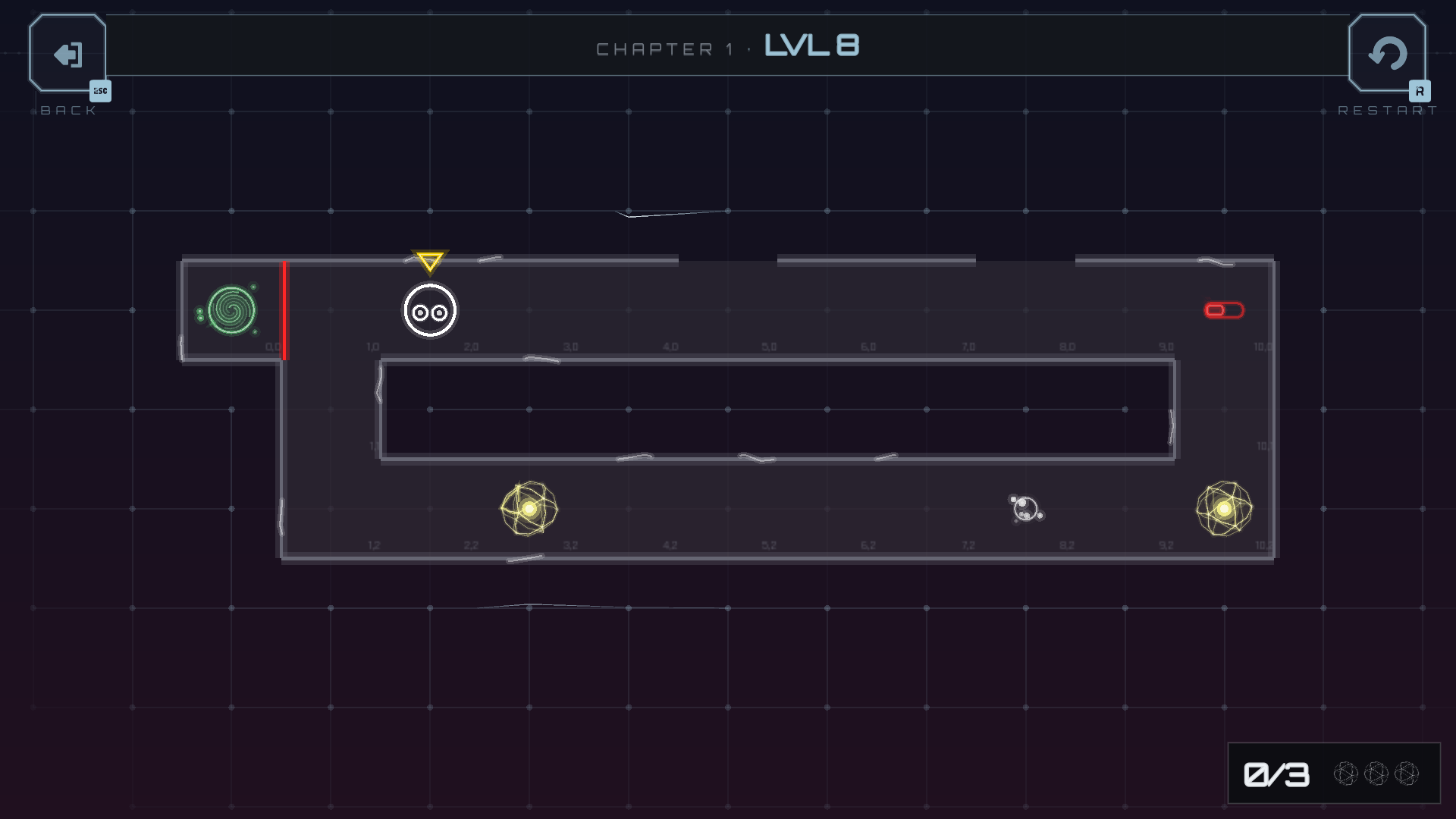
Guide your pawn through the corridors. Flip switches, spin whole rooms by 90°, hold pressure pads, break the floor behind you. Collect every energy cell, then reach the exit.
Faraday Corridors is a solo project built in Godot.
This is the free demo: chapters I and II, 24 levels, the full game loop. Play it right here in your browser, or download it for Windows, macOS or Linux.

Trigger. Rotate. Collect. Find the exit.

A brain-teasing, minimalist tactical grid puzzle in which you guide one or several pawns through corridors:

- by flipping switches

- by rotating tiles
- by holding down pressure plates
- sometimes with no way to turn back

First, collect every energy cell and reach the exit.

Then, once you know the way, do it as fast as you can.

Four trigger families that compose
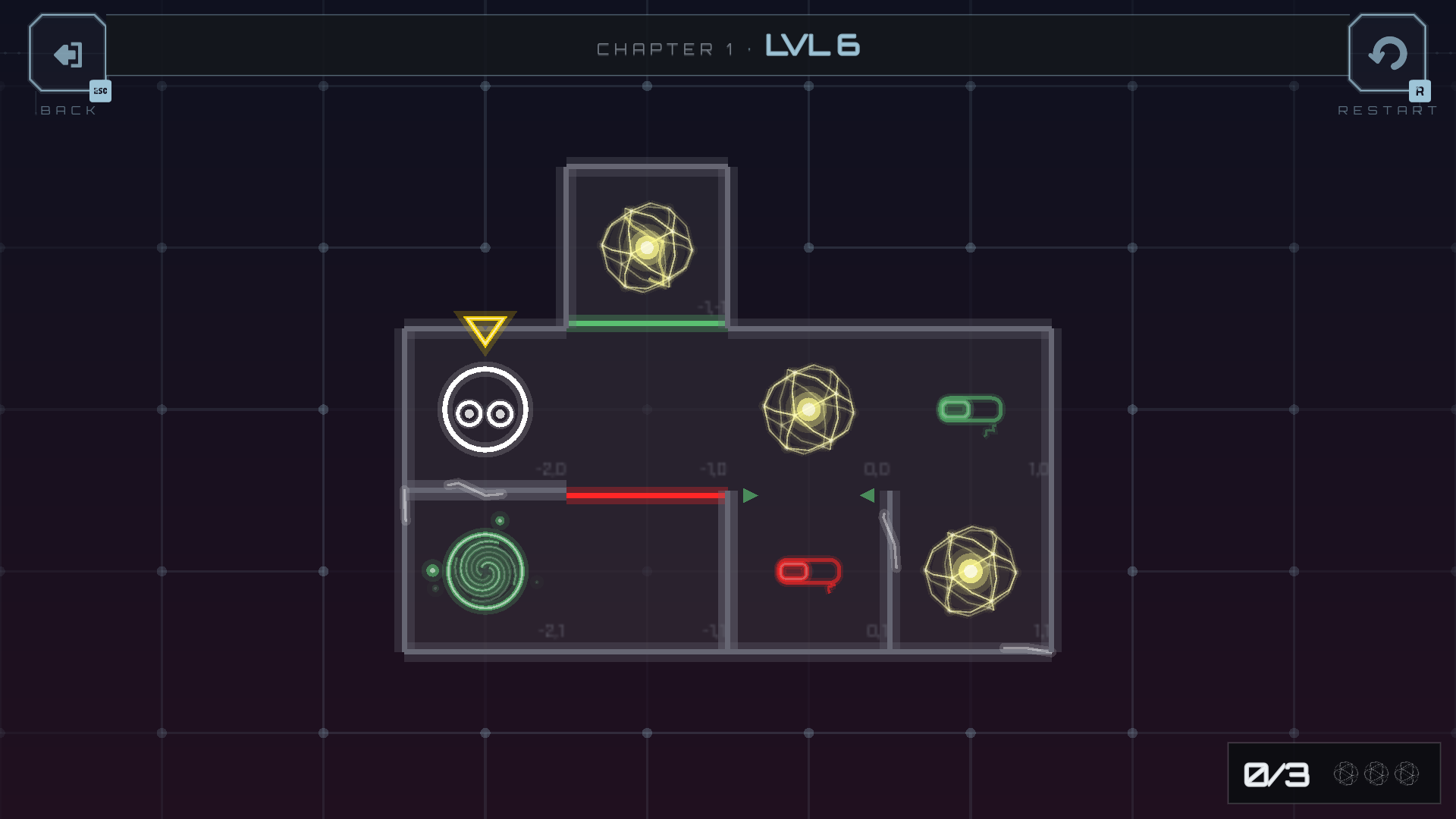
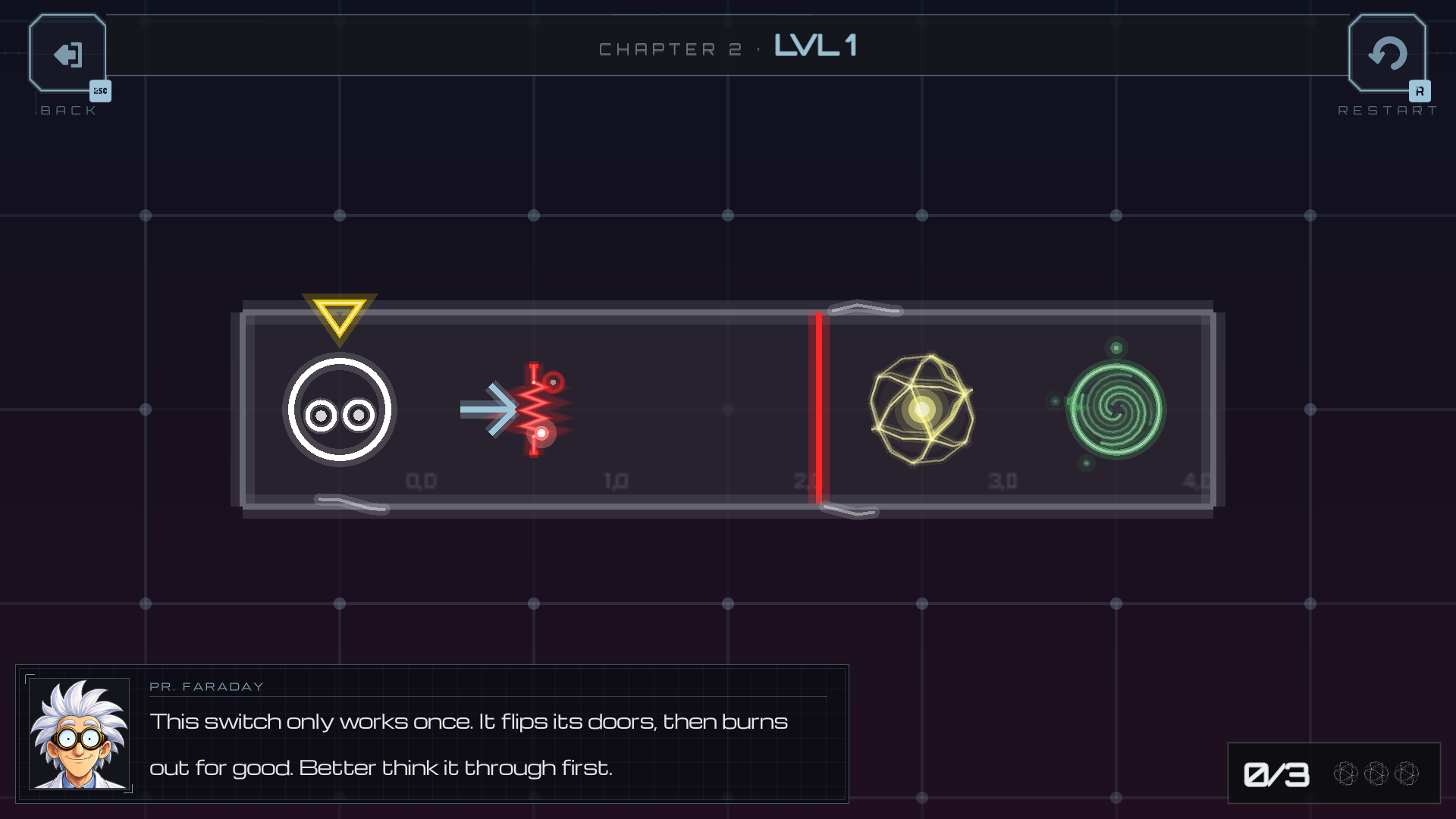
Door Switch toggles a gate. Block Rotater spins a whole room by 90°. Contact Pad holds only while a pawn stands on it. Door Switch Once fires once and never comes back. Every puzzle in the game is built from these four.
Four medals for speedrunners
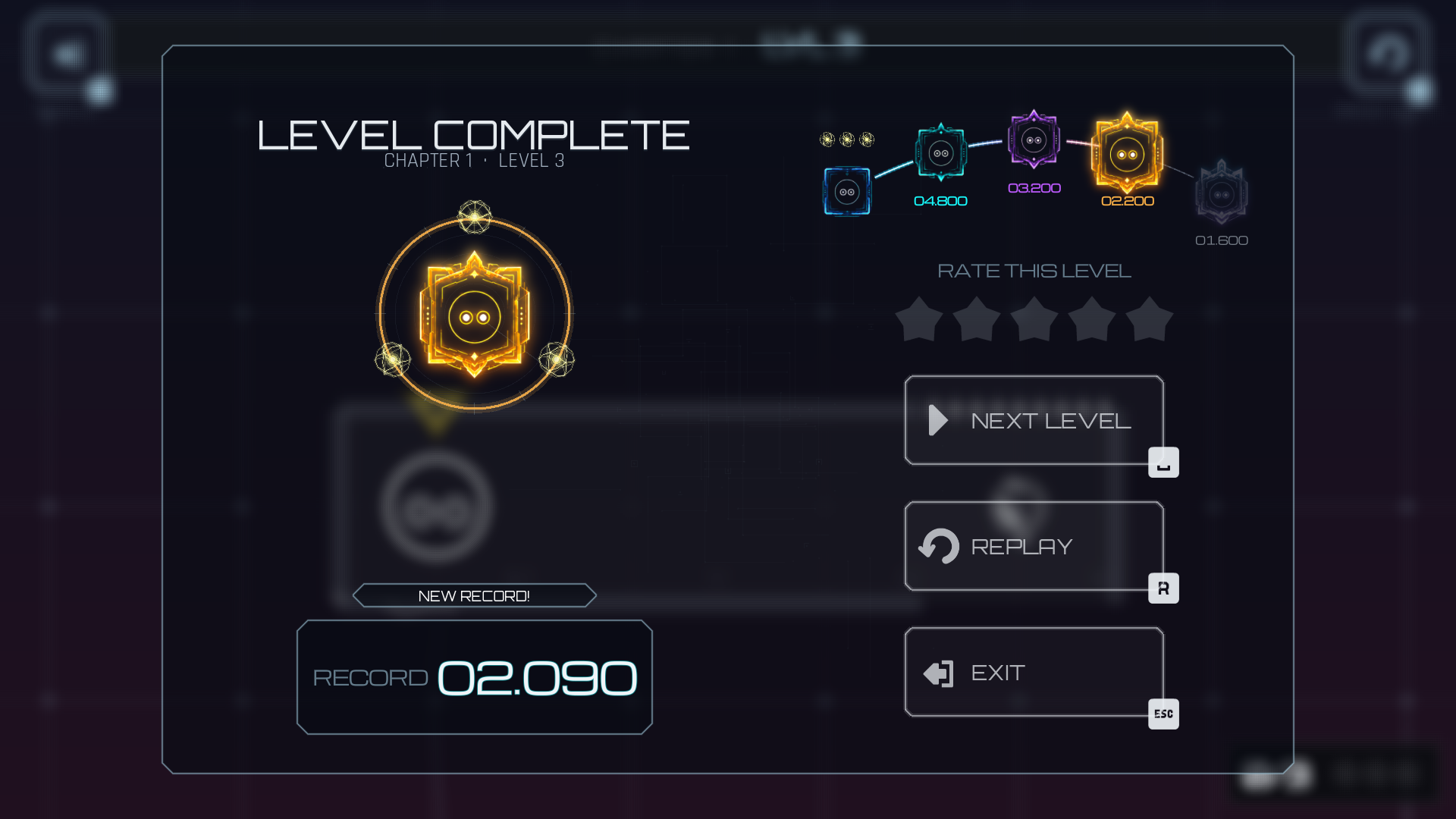
Every level awards bronze, silver, gold or platinum. Discover how to rush properly to achieve the best times.
What is in the demo
- 24 levels across the first two chapters, +tutorials
- Online leaderboards: your best times ranked against everyone else's
- Controller support, optimized for Steam Deck
- 27 languages, switched in the settings without restarting (the browser version ships 23: the CJK font is too heavy to stream)
What the full game adds
50+ levels across six chapters, ordered from the first easy corridors to the dense late ones. Potentially a level editor with Steam Workshop sharing, we're planning to include it in the full release.
How to play
- Arrows / WASD / D-pad / left stick: move
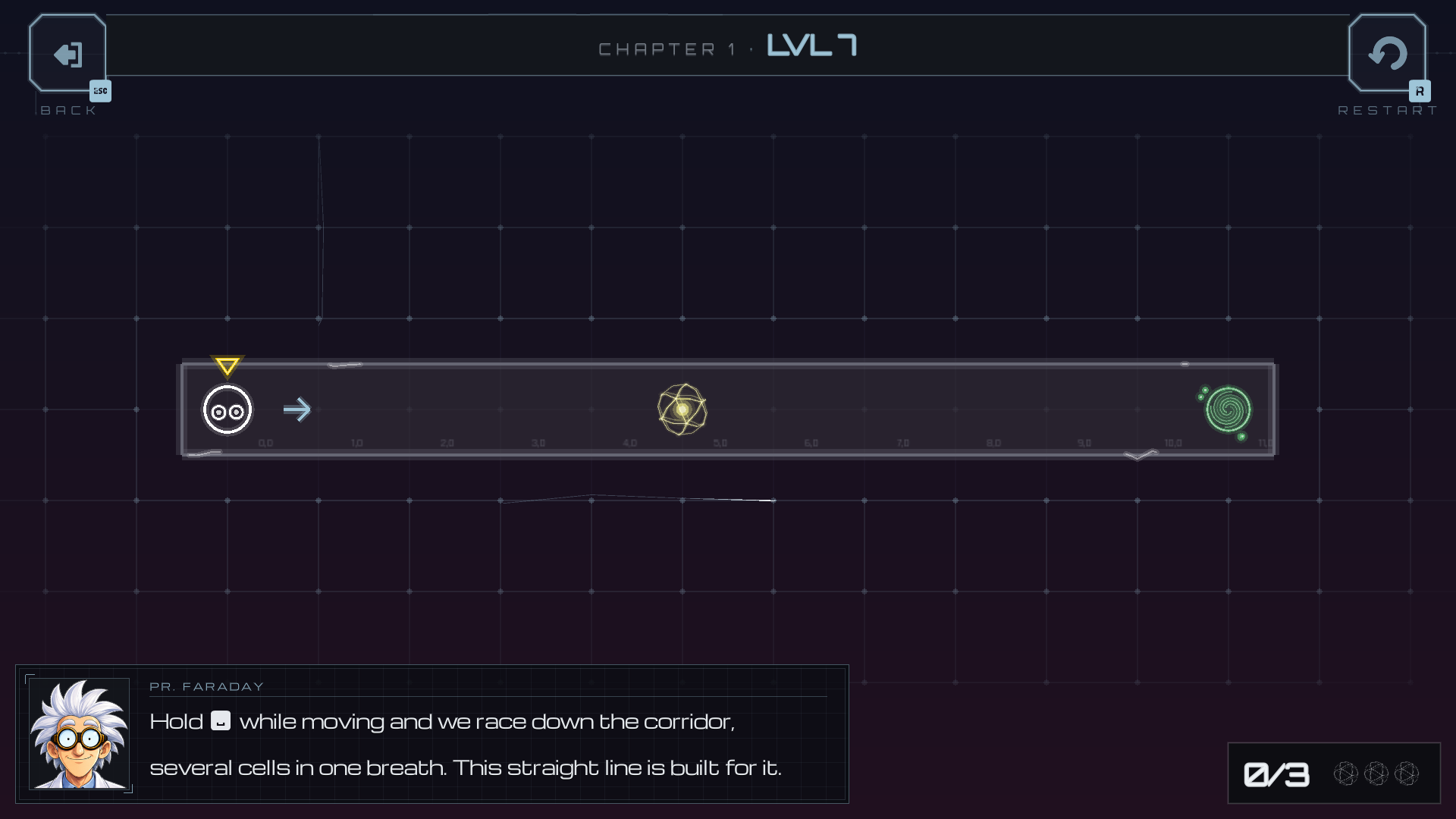
- Space / R2: rush
- Shift / L2: switch pawn
- Esc: back, R: restart
macOS: first launch
The build is signed, but not notarized by Apple, so macOS blocks it the first time. Three steps, once:
- Double-click the app. macOS refuses and says it was blocked.
- Open System Settings → Privacy & Security and scroll down to Security.
- Next to "Faraday Corridors" was blocked to protect your Mac, click Open Anyway.
It launches normally from then on.
macOS may also ask for Input Monitoring. That prompt comes from the Godot engine opening the HID layer to look for game controllers: every Godot game on macOS asks for it, and there is nothing specific to Faraday Corridors about it. You can decline it. The keyboard works either way, and controllers macOS recognises on its own (Xbox, DualSense, MFi) keep working too. The only thing you lose by declining is support for generic HID controllers.
Feedback welcome
This demo is a dress rehearsal before the Steam release. If a level feels unfair, a rule feels unclear, or a medal feels impossible, say so in the comments: that is exactly what this build is here for.
Made with Godot 4 by Uralys.
Download
Install instructions
No installer, no runtime to add: the game is a single folder you unzip and run. Nothing is written outside your user folder, and uninstalling means deleting the folder.
Playing in the browser? Nothing to download. Click Run game at the top of the page.
Windows
- Unzip the archive anywhere.
- Run faraday-corridors-demo.exe.
Keep every file of the folder together: the .exe needs the .pck and the two .dll beside it. Moving the .exe alone to your desktop will not work; make a shortcut instead.
Windows may show "Windows protected your PC", because the build is not signed with a paid certificate. Click More info, then Run anyway.
macOS
- Unzip the archive and drag Faraday Corridors.app to your Applications folder.
- Double-click it. macOS refuses and says it was blocked.
- Open System Settings → Privacy & Security, scroll down to Security, and click Open Anyway next to "Faraday Corridors" was blocked to protect your Mac.
It launches normally from then on. The app is signed, but not notarized by Apple, which is what that first refusal is about.
macOS may also ask for Input Monitoring. That prompt comes from the Godot engine opening the HID layer to look for game controllers: every Godot game on macOS asks for it. You can decline it. The keyboard works either way, and controllers macOS recognises on its own (Xbox, DualSense, MFi) keep working too. The only thing you lose by declining is support for generic HID controllers.
Linux
- Unzip the archive anywhere.
- Make the binary executable:
chmod +x faraday-corridors-demo.x86_64 - Run it, from your file manager or with
./faraday-corridors-demo.x86_64
Keep every file of the folder together: the binary needs the .pck and the two .so beside it. x86_64 only, no ARM build. It is a native binary, so no Proton and no Wine.
Steam Deck
The Linux build runs natively. Copy the folder to the Deck, add the binary as a non-Steam game from Desktop mode, and leave the compatibility layer off: it needs none.
Development log
Leave a comment
Log in with itch.io to leave a comment.